
24 July 2026
A Small Business Ransomware Attack: What Really Happens
By Jack Wetson-Catt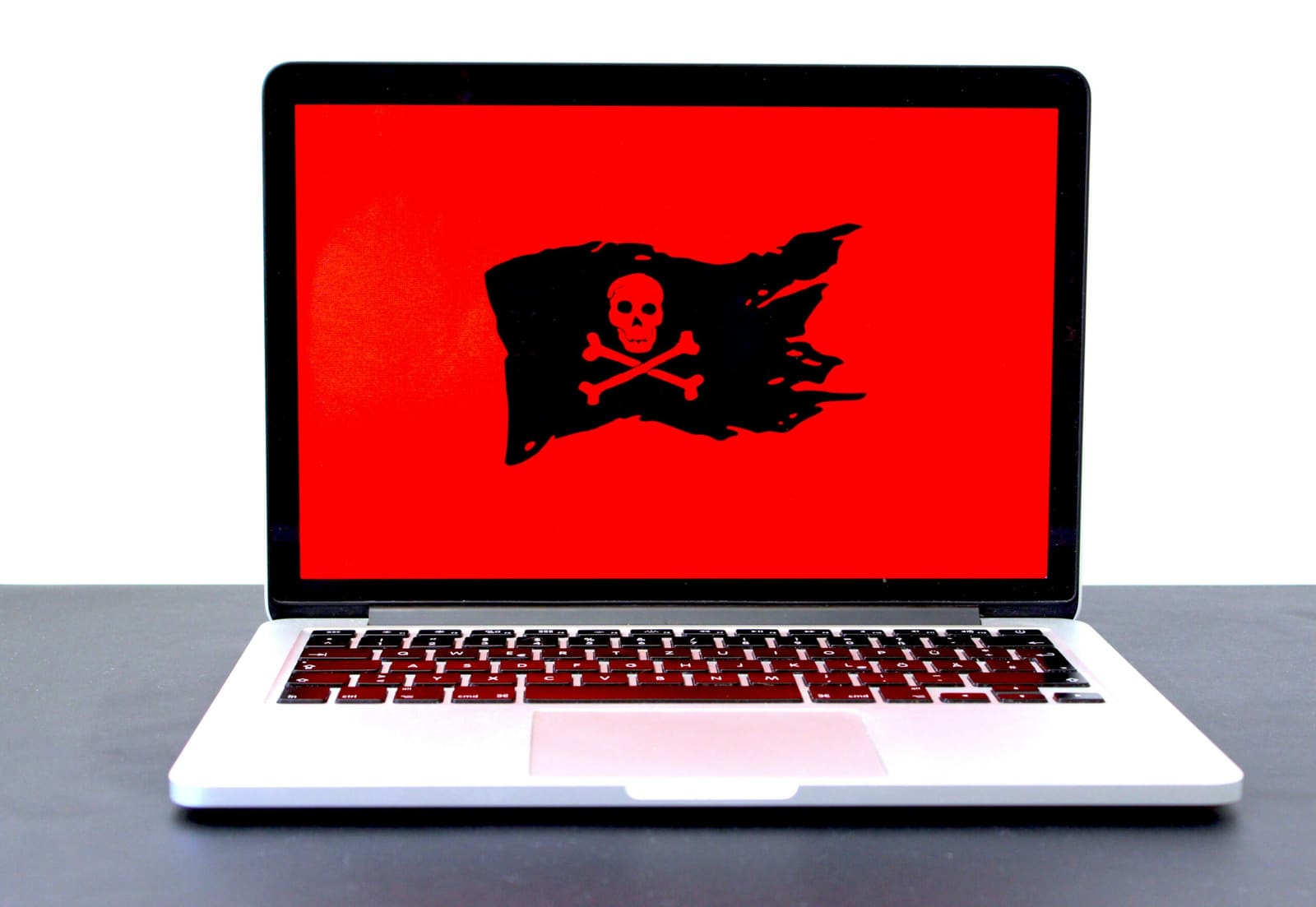
Photo by Michael Geiger on Unsplash
Most cyberattacks against UK businesses still start the same way: someone clicks a link. The government's most recent Cyber Security Breaches Survey found that 43% of UK businesses identified a breach or attack in the past year, with phishing behind the large majority of them. Ransomware itself is comparatively rare, down to 1% of businesses this year from 3% the year before, but when it does land, the disruption is completely out of proportion to how often it happens.
What follows is a step-by-step account of how one of those attacks unfolds, written from the attacker's side. The business described is a composite rather than a real Atema client, built from patterns reported across current threat intelligence. The techniques, buying stolen credentials online, using a phishing page that steals a live login session rather than just a password, and spending a quiet few days reading email before locking anything, are accurate to how these attacks actually run. After the walkthrough, there's a list of five specific points where it would have been stopped, using controls that most Microsoft 365 business customers already have available to them.
Why a smaller business, not a bigger one
It's tempting to assume attackers go after the biggest company they can find. The data doesn't support that: medium and large UK businesses actually report breaches more often than small ones, largely because they simply have more systems exposed and more staff who might click something.
What changes is what happens once an attacker does pick a smaller target. A large enterprise usually has a security team, an incident response contract, and lawyers, all of which make an attack slower and more expensive to run. A sole trader rarely has enough at stake to be worth the effort. A business with a couple of dozen staff sits in between: enough revenue and enough worth encrypting, but rarely anyone dedicated to watching for anything unusual. That gap, not the size of the business itself, is what an attacker is actually shopping for.
Finding a target using nothing but public records
No breach or leak is needed to find a business worth attacking. Companies House is free to search and gives a company's registered name, its directors, and its filing history in seconds. Contracts Finder publishes public sector contract award notices, including the winning supplier and the contract value, for anything a council or public body has procured above a fairly low threshold. A local council's planning or licensing register can confirm a trading address and how long a business has been operating.
One search gives an estimated size, a recent contract win, and a company worth a closer look. None of it is a leak. It's all information a UK business is required, or encouraged, to make public.
What matters most is what doesn't turn up: no news coverage of a past incident, no security certification mentioned anywhere on the company's own site. A clean record usually means unchanged passwords and staff who have never been told what to look out for.
Forty minutes of free research
Building a picture of who works where takes less time than most business owners would guess.
LinkedIn typically surfaces several current employees along with their job titles. An office manager who has been in post for years and lists "accounts payable, payroll, and supplier invoicing" in their profile summary is an obvious find, as is a more recently hired second admin. A "meet the team" post on the company's Facebook page, even one that's a couple of years old, often gives first names, faces, and who helps out in the office.
Job adverts on Indeed or elsewhere confirm which accounting software the business runs, since ads for admin roles routinely ask for "experience with Xero or Sage." Between that and the office manager's stated responsibilities, it's clear who handles the money, how long they've been there, and who has the authority to approve a payment without a second signature.
That person, not the owner, is usually the primary target. Owners tend to be harder to reach and more cautious by habit. An office manager with system access and a full inbox is far less likely to scrutinise one more email among the dozens they process every day.
Fifteen pounds for a way in
Stealer logs are credential packages harvested by malware that infected someone's personal device, sometimes months or years before they're ever sold on. The malware records every username and password typed into the machine, then bundles the results for sale on Telegram channels and underground forums, searchable by company email domain.
A search against the target company's domain turns up two results. One is the office manager's work email, with a password that looks like it was saved directly from a browser. The other is a personal Gmail address, probably belonging to a family member on the same home network.
The package costs £15 and takes minutes to buy. The office manager's password follows a familiar pattern: a pet's name, a year, an exclamation mark. Checking it against Have I Been Pwned, the same free database security professionals use, shows it appeared in a retail loyalty scheme breach three years earlier. It's never been changed since.
The family member's credentials turn out to matter more. The same password, with small variations, shows up across a streaming service, a gaming account, and the company's Microsoft 365 login. It works. The only thing standing in the way now is the second factor.
Why the MFA prompt didn't help
Multi-factor authentication stops a lot of attacks, but the implementation matters more than whether it's switched on.
Simple push-notification fatigue, repeatedly sending an approval prompt until someone taps "yes" by mistake, doesn't work here. Microsoft enforced number matching for all Microsoft Authenticator push notifications from 8 May 2023, which means a user has to type a code shown on their login screen rather than tap a single approve button. That change closed off push bombing as a route in.
What still works is adversary-in-the-middle phishing. An email arrives that looks like a routine Microsoft 365 password reset notice, citing the same breach the password was found in earlier in the week. The link leads to a page that mirrors the real Microsoft sign-in screen exactly, because it's a proxy sitting between the user and Microsoft's actual login server.
When the office manager enters her password and approves the MFA prompt, the proxy forwards both straight to Microsoft. Microsoft validates the login, completes the MFA challenge, and issues a genuine session token, which the proxy captures in the process. From her side, it looks like an ordinary login followed by a "password updated" confirmation. From the attacker's side, that session token is now sitting in someone else's browser, and Microsoft has no reason to treat it as anything other than legitimate.
A phone call earlier the same day had been a backup plan in case the email went unclicked: a call to the office posing as the company's IT support, using a name lifted from a Google review the business had received over a year earlier, asking for an MFA approval "to check some unusual login activity." The receptionist said the office manager wasn't at her desk. That cost nothing either way.
Thirty-six hours of reading your email before anything gets locked
Once inside, the next move isn't to encrypt anything straight away. A quiet inbox forwarding rule gets set up, routing copies of the office manager's email to an external address without alerting her, and then there's a wait.
In that time, a cyber insurance policy shows up in the inbox, forwarded from a broker, with a cyber liability sub-limit of £200,000. Whether that policy actually pays out if the ransom isn't the route taken often comes down to a question buried in the renewal form about immutable backups, one most businesses answer without checking if it's actually true. A bank reconciliation from two weeks earlier puts the business account at roughly £150,000. A quote template the office manager emails herself lists the full customer base, and a message thread with a council project manager confirms a job starting in three weeks that the business can't afford to miss.
The ransom gets set below the insurance sub-limit, comfortably within what the account can cover without threatening payroll, but high enough to be worth the time spent getting there. Encryption gets deployed on a Friday afternoon, timed for when the office empties out for the weekend and the person most likely to notice quickly is already unreachable. By Monday morning, every file on the shared drive is locked, and a ransom note sits on every screen in the building.
Five controls that would have stopped this
None of the five points below are expensive to fix. Most are configuration changes to tools a Microsoft 365 business customer is probably already paying for, not a new purchase.
- Unique passwords, checked against known breaches. Have I Been Pwned is free, and Microsoft Entra password protection can block passwords that are reused or already known to be compromised across an organisation's accounts. Either one on its own would have made the £15 credential purchase worthless.
- Phishing-resistant MFA. Passkeys, FIDO2 hardware keys, or Windows Hello for Business can't be relayed through an adversary-in-the-middle proxy the way a password-and-code combination can. Conditional Access policies requiring a compliant or known device, alongside anti-phishing protection in Microsoft Defender for Office 365, close most of the remaining gap.
- Blocking external email forwarding at the tenant level. Microsoft 365 admins can disable auto-forwarding rules to outside addresses entirely, the same outbound spam policy setting covered in our rundown of Microsoft 365 tenant settings worth a second look. With that in place, the forwarding rule used to read 36 hours of email simply wouldn't have worked.
- Someone actually reviewing security alerts. Microsoft Defender for Business, included in Microsoft 365 Business Premium, flags a new inbox forwarding rule as it happens. That alert only helps if it's routed somewhere visible and someone is looking at it.
- A bit more care over what gets posted publicly. Company registers can't be unpublished, but a team can be more deliberate about how much operational detail goes on LinkedIn or a public "meet the team" post. That's worth a short, practical conversation with staff, not a blanket ban on having a profile.
If the encrypted files include personal data on customers or staff, the incident is also a data protection matter, not just an IT one. Under UK GDPR, a personal data breach that's likely to put people at risk generally has to be reported to the Information Commissioner's Office within 72 hours of becoming aware of it, and that includes a ransomware lock-out even if nothing was actually copied off the network. And if a ransom note does turn up, the NCSC's position is clear: they don't encourage, endorse, or condone paying it, since it funds the next attack without any guarantee the files, or the stolen data, actually come back.
This is exactly the kind of gap our cyber security work is built to close before an attacker finds it, not after one already has. Several of the five controls above, particularly unique passwords and phishing-resistant access, overlap directly with the five technical controls behind Cyber Essentials certification, the UK Government-backed standard. It's also worth checking what your cyber insurance actually covers before an incident like this one forces you to find out. If you'd like a second opinion on where your business's Microsoft 365 setup currently stands, book a call with our team and we'll take it from there.
Three questions worth asking your IT provider
Each one lines up with a control that failed somewhere in the walkthrough above.
- Are we using phishing-resistant MFA, such as passkeys, FIDO2 keys, or Windows Hello for Business, for finance, admin, and executive logins?
- Is external email auto-forwarding blocked at the tenant level?
- Are our security alerts actually going somewhere, and is someone reviewing them?
Frequently Asked Questions
Are small businesses really a target for ransomware?
The data doesn't support the idea that small businesses are attacked more often overall. The government's Cyber Security Breaches Survey shows medium and large UK businesses report breaches more frequently than small ones. What's true for smaller businesses is that they're less likely to have a dedicated security team, so when an attack does succeed, the impact and the recovery time tend to be worse.
What is adversary-in-the-middle (AiTM) phishing?
AiTM phishing uses a proxy page that mirrors a real login screen, such as Microsoft 365 or Google Workspace. When a user enters their credentials and approves an MFA prompt on that page, the proxy forwards both to the real service and captures the session token that comes back. The legitimate service treats the login as genuine, but the attacker ends up holding a valid session. It's become one of the more common ways attackers get past MFA that would otherwise block simpler push-notification attacks.
What is a stealer log, and where do stolen credentials come from?
A stealer log is a package of usernames and passwords harvested by malware from an infected personal device, often a home computer rather than a work one. The malware typically arrives through pirated software or a malicious browser extension, and the resulting logs are sold cheaply on underground marketplaces, searchable by company email domain.
How much would an attack like this actually cost to run?
In the walkthrough above, the total spend was under £100: roughly £15 for stolen credentials and a handful of hours setting everything up over the course of a week. That's not a documented industry average, it's simply what this particular composite example cost, but it illustrates why attackers don't need a large budget to get in.
Are there tools already included in Microsoft 365 that would stop this?
Several of the controls described above come bundled with Microsoft 365 Business Premium, which many UK small and mid-sized businesses already hold. Blocking external forwarding and reviewing Defender for Business alerts are configuration changes rather than new purchases, and Have I Been Pwned is free for anyone to use. Phishing-resistant hardware keys are a modest per-user cost next to the disruption of a successful ransomware incident.
Written by
Jack Wetson-CattJack co-founded Atema in 2017 and leads the team day to day, bringing years of IT experience across telecoms, finance and legal to how Atema supports its own clients.