
29 August 2026
Still on Windows 10? Here's Why It's Putting Your Business at Risk
By Tanya Wetson-Catt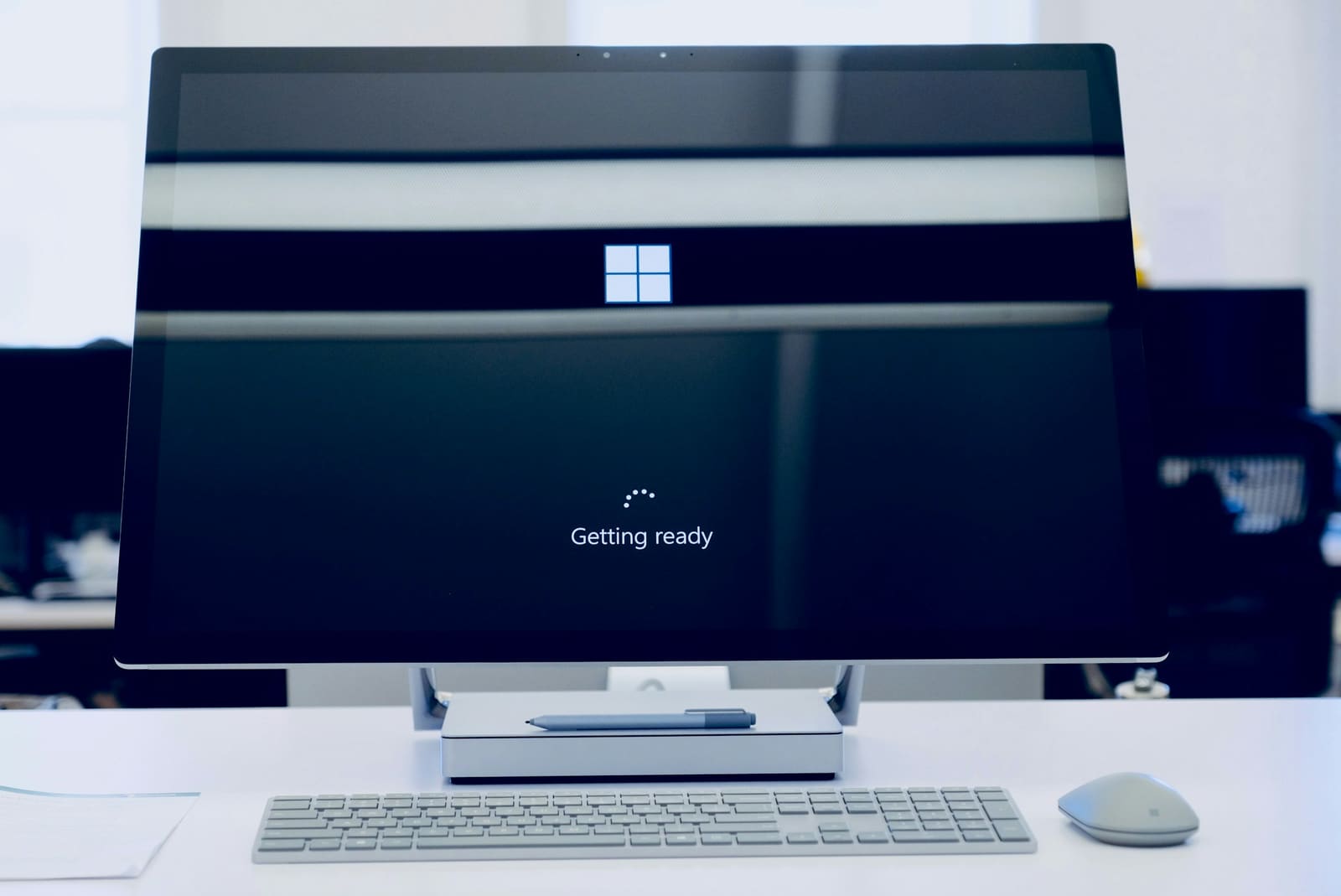
Photo by Johnyvino on Unsplash
Microsoft stopped supporting Windows 10 on 14 October 2025. If your business is still running it on any of your machines, and plenty are, those computers are no longer getting security updates.
Everything still turns on and works exactly as it did before, which is precisely why it's so easy to leave things as they are. Here at Atema, we've seen this pattern play out with a lot of the small and mid-sized businesses we work with across the South West: a handful of older PCs quietly carry on past their support date because nobody's had a reason to look at them. The trouble is, the longer a machine stays on Windows 10, the more unpatched security holes pile up on it, and none of them are ever going to be fixed.
So what does this actually mean for your business, and what are your options? There are three: upgrade to Windows 11, pay for extended updates to buy yourself some time, or replace the machine. Let's go through each of those, starting with what "end of support" really means.
What "end of support" means
When Microsoft ends support for a version of Windows, the updates stop. That includes the monthly security patches that fix newly discovered flaws.
Microsoft has confirmed that, since 14 October 2025, Windows 10 no longer receives security fixes, quality updates, feature updates, or technical support of any kind.
Your PCs don't stop working. Nothing switches off the moment support ends. What's changed is that Microsoft has stopped fixing Windows 10's security flaws. Attackers and security researchers keep finding new ones, and now nobody is patching them. Every new vulnerability that turns up from this point on is a permanent way in, not a temporary one.
Why this is a real risk for UK businesses
This isn't just about running an old, slow computer. It has knock-on effects that matter to how your business actually operates.
- Unsupported machines are an easier target. The National Cyber Security Centre (NCSC) is clear that software which no longer receives updates stays exploitable indefinitely, often by fairly low-skilled attackers, because the flaws are public knowledge and never get closed off.
- You can fall out of step with Cyber Essentials. If your business holds (or is working towards) Cyber Essentials certification, the scheme's requirements are explicit that in-scope software must be supported and kept up to date, and that anything past end of support has to be removed or isolated from your network. A Windows 10 machine no longer meets that bar, and at Cyber Essentials Plus level it's exactly what the assessor's hands-on patch scan of your devices is there to catch.
- It complicates your data protection position. Under UK GDPR, the ICO expects organisations to keep systems patched and secure as a basic part of protecting personal data. Continuing to run software that can never be patched again is difficult to square with that expectation, particularly if you handle client or customer data.
- It can affect your cyber insurance. Insurers increasingly ask whether your systems are supported and patched as standard renewal questions. Running an unsupported operating system can push your premium up, narrow your cover, or give an insurer grounds to dispute a claim later on.
- Your other software will start dropping it too. Over time, browsers, accounting packages and other everyday tools stop supporting Windows 10, so the applications your team relies on can stop updating, or stop working altogether.
None of this needs a security incident to bite. It can just as easily show up the next time you renew your cyber insurance, go through a Cyber Essentials assessment, or have a client ask about your data handling.
Your three options
Most businesses we work with end up mixing these across their fleet rather than picking just one.
1. Upgrade to Windows 11 (free, if the hardware qualifies)
If the PC was bought in the last few years, upgrading to Windows 11 is free, and it's usually the right move. The catch is the hardware requirement: Windows 11 needs a supported processor, TPM 2.0, and Secure Boot, which rules out a fair number of older machines. Microsoft's free PC Health Check app will tell you whether a specific computer qualifies.
2. Buy Extended Security Updates as a bridge
If a PC can't move to Windows 11 yet, Microsoft will sell Extended Security Updates (ESU) to keep security patches flowing for a while longer.
For UK businesses, ESU pricing has been reported at around £58 per device for the first year, with the cost expected to double in each of the following two years, for a maximum of three years' cover. Because this is priced and reviewed by Microsoft directly, it's worth confirming the current figure for your account rather than relying on last year's number.
ESU buys you security patches and nothing else. No new features, no general technical support. It exists purely to give you breathing room while you sort out an upgrade or a replacement.
Consumers get a separate, cheaper route: cover through 12 October 2027 at no extra cost if you sync your PC settings, by redeeming 1,000 Microsoft Rewards points, or via a one-off payment. That consumer option isn't intended for business use, so it's not a substitute for the business ESU programme above.
3. Replace the PC
Some machines are simply too old for Windows 11, and not worth paying escalating ESU fees on year after year. For those, a new PC that already runs Windows 11 usually works out cheaper once you add up ESU costs and the ongoing hassle of keeping an ageing machine limping along.
How to plan the move
You don't need to do all of this in one go, but you do need a plan. A sensible order looks like this:
- List every computer in the business still running Windows 10.
- Check which ones qualify for Windows 11, using the PC Health Check app or your IT provider.
- Upgrade the ones that qualify. It's free, and your files and programs stay in place.
- For the rest, choose between ESU to buy time or replacing the machine, depending on its age and what it's used for.
This is exactly the sort of housekeeping our patch and software update management covers as part of ongoing support, rather than something that only gets attention once a year. If you'd rather have someone run that inventory and make the call on each machine for you, book a call with our team and we'll take it from there.
Frequently Asked Questions
Is Windows 10 still safe to use after October 2025?
It still works, but it no longer receives security updates, so the risk grows as new flaws are found and never patched. If you need to keep using it for now, either enrol in Extended Security Updates or set a firm date to move to Windows 11.
What happens if I keep using Windows 10 and do nothing?
The PCs will keep running, but they become an easier target for attackers, can put you out of step with Cyber Essentials and UK GDPR expectations around patched software, and may cause problems with your cyber insurance. Over time, the apps you depend on day to day will start dropping support for Windows 10 as well.
How much does Windows 10 ESU cost for a UK business?
Reported UK pricing sits at around £58 per device for the first year, expected to double in each of the following two years, up to a maximum of three years. Worth confirming the exact current figure with Microsoft or your IT provider before budgeting, since ESU pricing is reviewed centrally rather than fixed.
Can my PC upgrade to Windows 11 for free?
If it meets the hardware requirements, yes. Windows 11 needs a supported processor, TPM 2.0, and Secure Boot. The PC Health Check app will confirm whether a specific machine qualifies, and PCs from the last few years usually do.
Should I just buy a new computer?
If a PC can't run Windows 11, a new one is often cheaper than paying escalating ESU fees for years on top of keeping ageing hardware going. If it can upgrade, start with the free Windows 11 upgrade instead.
Written by
Tanya Wetson-CattTanya is a co-founder of Atema, running much of what keeps the business itself moving, marketing, finance and admin, while keeping a close eye on the practical, jargon-free advice that goes out to clients.